Key Highlights:
- Full PC, PlayStation and Xbox controls are listed for movement, combat, items and weapon switching.
- Investigation and map controls use the same button, with the map requiring a hold input.
- Dodging uses Circle/B/Spacebar with directional movement, while weapon slots are mapped to the D-pad or number keys.
Quick Links:
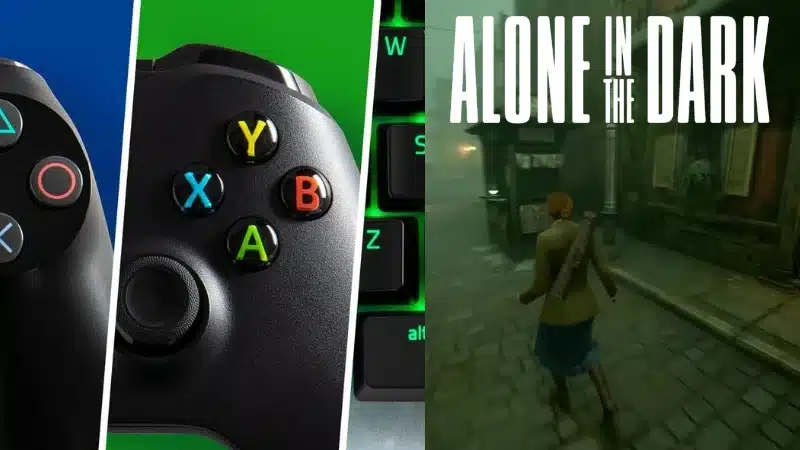
Whether you’re playing with keyboard and mouse or a controller, Alone in the Dark uses a consistent control layout across PC, PlayStation and Xbox.
Movement and Basic Functions
| Action | PlayStation | Xbox | PC (Keyboard + Mouse) |
|---|---|---|---|
| Move | Left Stick | Left Stick | W / A / S / D |
| Sprint | L3 (press Left Stick) | Press Left Stick | Shift |
| Camera | Right Stick | Right Stick | Mouse Movement |
| Flashlight | R3 (press Right Stick) | Press Right Stick | V |
| Stealth | Triangle | Y | Left Ctrl or C |
| Interact | X | A | E |
| Examine | L1 | Left Bumper | Tab |
| Investigation | Touchpad | Menu | I |
| Map | Hold Touchpad | Hold Menu | Hold I |
| Pause | Options | Pause | Esc or P |
Combat and Item Usage
| Action | PlayStation | Xbox | PC |
|---|---|---|---|
| Aim | L2 | Left Trigger | Right Mouse Button |
| Ranged Attack | R2 | Right Trigger | Left Mouse Button |
| Melee | R1 | Right Bumper | F |
| Opportunity | R2 | Right Trigger | Q |
| Reload | Square | X | R |
| Dodge | Circle + Direction | B + Direction | Spacebar + Direction |
| Consume Item | D-Pad Up | D-Pad Up | G |
Weapon Switching
| Action | PlayStation | Xbox | PC |
|---|---|---|---|
| Weapon 1 | D-Pad Right | D-Pad Right | 1 |
| Weapon 2 | D-Pad Down | D-Pad Down | 2 |
| Weapon 3 | D-Pad Left | D-Pad Left | 3 |
| Weapon 4 | Hold D-Pad Right | Hold D-Pad Right | Hold 1 |
If you’re struggling specifically with evasive movement, our Alone in the Dark dodge guide explains how directional dodges work and what happens when you dodge during a reload.