
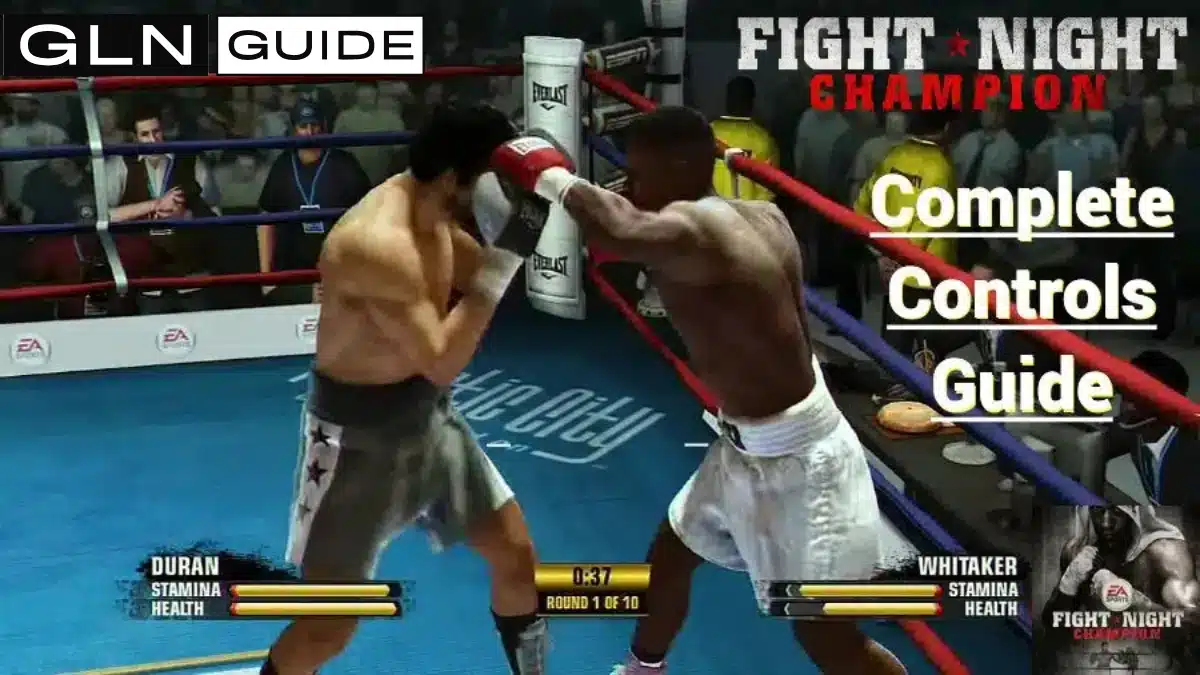
Key Highlights:
- Fight Night Champion supports face-button punching and Full Spectrum Punch Control with the right analogue stick.
- The left stick controls movement and quick lunges, while LT/L2 changes between head punches, body punches and leaning.
- The default controls also include blocking, pushing, clinching, switching stance, taunting and illegal punches.
Quick Links:
Fight Night Champion gives players two methods for throwing punches. The face buttons provide direct inputs for the basic punches, while Full Spectrum Punch Control uses different movements of the right analogue stick.
Both control methods use the same modifiers for body punches and power punches. Players can therefore combine button punching and right-stick punching without changing the default controller configuration.
This guide covers the default Xbox 360 and PlayStation 3 controls. The Xbox inputs also apply when playing Fight Night Champion through backwards compatibility on Xbox One or Xbox Series X|S.
Complete Fight Night Champion Controls
| Action | Xbox | PlayStation |
|---|---|---|
| Move boxer | Left stick | Left stick |
| Quick movement/lunge | Flick left stick | Flick left stick |
| Full Spectrum Punch Control | Right stick | Right stick |
| Jab | X | Square |
| Straight | Y | Triangle |
| Left hook | A | Cross |
| Right hook | B | Circle |
| Left uppercut | X + A | Square + Cross |
| Right uppercut | Y + B | Triangle + Circle |
| Lean/body-punch modifier | LT | L2 |
| Block | RT | R2 |
| Power-punch modifier | RB | R1 |
| Push | LB | L1 |
| Clinch | LB + RB | L1 + R1 |
| Switch stance | D-pad left | D-pad left |
| Low blow | D-pad down | D-pad down |
| Taunt | D-pad right | D-pad right |
| Headbutt | D-pad up | D-pad up |
| Pause | Start | Start |
These inputs use the game’s default controller configuration. Fight Night Champion also includes alternative controller layouts in the Settings menu.
Face-Button Punch Controls
The face buttons provide a simple way to throw every basic punch:
- X/Square: Jab
- Y/Triangle: Straight
- A/Cross: Left hook
- B/Circle: Right hook
- X + A/Square + Cross: Left uppercut
- Y + B/Triangle + Circle: Right uppercut
The jab and straight depend on the boxer’s stance. An orthodox boxer uses the left hand for the jab and the right hand for the straight. A southpaw boxer reverses those hands.
The controls should therefore be understood as jab and straight, rather than fixed left and right straight punches.
I recommend using X or Square for the jab even after learning Full Spectrum Punch Control. The button input makes the jab immediate and reliable, while the right stick remains available for straights, hooks, uppercuts and less conventional punch angles.
Full Spectrum Punch Controls Explained

At the core of Fight Night Champion’s immersive boxing engine lies the Full Spectrum Punch Control system. This empowers you to fluidly throw any strike simply by flicking the right stick in different directions.
Upwards flicks deliver crisp straights. Sideways flicks unleash hooks sweeping across your opponent’s jaw. And downward flicks generate thudding uppercuts targeting the chin. Combining angles enables hybrid punches like deadly accurate hookercuts. A hookercut combines the trajectory of a hook with the upward movement of an uppercut.
The elegance of Full Spectrum Punch Control is its depth for your boxer. Flick faster to throw quicker jabs, or slower for massively damaging overhands. Vary punch origins and trajectories mid-combo to dazzle defences. An orchestra of violence is at your fingertips.
How to Throw Body Punches
Hold LT on Xbox or L2 on PlayStation while entering a punch command to target the body.
The modifier changes the target without changing the basic punch type. For example:
X/Square becomes a body jab.
Y/Triangle becomes a body straight.
A/Cross becomes a left body hook.
B/Circle becomes a right body hook.
Right-stick punches are directed towards the body while LT/L2 is held.
Release LT or L2 to return to head punches.
The same trigger is also used for leaning. Holding LT/L2 without throwing a punch allows the player to move the boxer’s upper body with the left stick.
How to Block
Hold RT on Xbox or R2 on PlayStation to raise the boxer’s guard.
Fight Night Champion uses one main block input rather than separate buttons for blocking the head and body. The boxer adjusts the guard according to the position and direction of the incoming attack.
Block Strength decreases when the guard is held continuously or absorbs repeated punches. Releasing and raising the guard resets the defensive position rather than leaving it permanently fixed.
How to Lean and Move Your Head

Hold LT/L2 and move the left analogue stick to lean in the chosen direction.
Leaning moves the boxer’s upper body while the feet remain planted. The player cannot use normal ring movement while holding the lean modifier.
The available directions include:
- Lean backwards
- Lean forwards
- Lean left
- Lean right
- Lean diagonally
A quarter-circle movement can produce a weave. Weaving moves the boxer’s head through a curved path rather than holding it in one leaning position.
Leaning and weaving are predominantly defensive controls but can be used for body shots.
Movement, Quick Steps and Lunges
Hold the left analogue stick in any direction to move the boxer around the ring.
Flicking the left stick performs quicker movement in the selected direction. Depending on the boxer’s position and the direction entered, this can create a forward, backward or sideways step.
The important distinction is:
Holding the left stick: Normal boxer movement
Flicking the left stick: Quick movement or lunge
Holding LT/L2 and moving the left stick: Leaning and head movement
Angling the left stick while punching does not automatically create a feint. The left stick primarily controls position and directional movement.
Some punches can become stepping punches when entered as the boxer moves into range.
How to Push and Clinch
Press LB on Xbox or L1 on PlayStation to push the opponent.
Pushing creates separation when the two boxers are fighting at close range. It is a dedicated control and does not require a directional input.
Press LB + RB on Xbox or L1 + R1 on PlayStation to attempt a clinch.
A clinch ties up the opponent and temporarily interrupts the exchange. Whether the attempt succeeds depends partly on the distance and position of both boxers.
This is handy when your fighter is gassed, and you need to hang on for a points victory in the final rounds of a fight.
How to Switch Stance
Press left on the D-pad to switch between orthodox and southpaw.
Changing stance reverses the boxer’s lead and rear hands. The jab and straight controls retain their functions, but the physical hand throwing each punch changes.
For example:
- An orthodox boxer uses the left hand for the jab.
- A southpaw boxer uses the right hand for the jab.
- Y/Triangle remains the straight-punch button in either stance.
Taunts and Illegal Punches
The D-pad controls stance changes, taunts and illegal attacks:
| D-pad input | Action |
|---|---|
| Left | Switch stance |
| Right | Taunt |
| Down | Low blow |
| Up | Headbutt |
Low blows and headbutts are illegal punches. Using them can lead to warnings, point deductions or disqualification. A boxer is normally disqualified after receiving three official warnings for illegal blows.
Taunting performs an animation intended to provoke the opponent. It leaves the boxer unable to defend normally until the animation finishes.
Should You Use Buttons or the Right Stick?
Button punching provides direct and consistent inputs for the six basic punches. Full Spectrum Punch Control provides access to additional punch angles, including flared straights, overhands and hookercuts.
The two systems can be used together. Players do not need to choose one and completely abandon the other.
My preferred setup is:
- X or Square for the jab
- Right stick for every other punch
- LT or L2 for body shots and leaning
- RB or R1 for selected power punches
This hybrid setup keeps the jab immediately available while preserving the full range of punches offered by the right stick.
Learn the Controls Before Advanced Tactics
A new player should first learn which input produces each action. Punch timing, counter-punching, stamina management, blocking technique and ring positioning are separate skills built on top of those controls.
Once the inputs feel natural, our Fight Night Champion tactics guide explains how to use power shots, counters, blocking, footwork and other tactics effectively.
For more help with career modes, unlockables and gameplay systems, visit our complete Fight Night Champion guide.