
Key Highlights:
- The Printed Sled costs 1000ml of Printer Resin at any 3D Printer and takes around 20 seconds to make.
- Riding it prevents fall and collision damage, making steep mountain and cliff descents much safer.
- The Sled works on more than snow: it can slide across other sloped terrain and travel downstream along rivers.
Quick Links:
The Printed Sled in Sons of the Forest is a reusable traversal tool for quickly descending steep terrain.
Despite the name, it is not limited to snowy areas and has nothing to do with transporting building materials. That job belongs to the separate Log Sled.
How to Get the Printed Sled
You need a 3D Printer and 1000ml of Printer Resin to make the Printed Sled.
The blueprint is already available on every printer, so there is no collectible blueprint, keycard or progression requirement attached specifically to the Sled.
There are multiple 3D Printers around the current version of the island, including an outdoor printer at the Ice Camp, so you are no longer tied to one specific bunker to make it. Our 3D Printer guide covers their locations and the wider printing system.
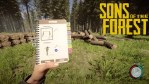
Load the printer with enough resin, select the Printed Sled from the laptop and start the print. It takes around 20 seconds to complete.
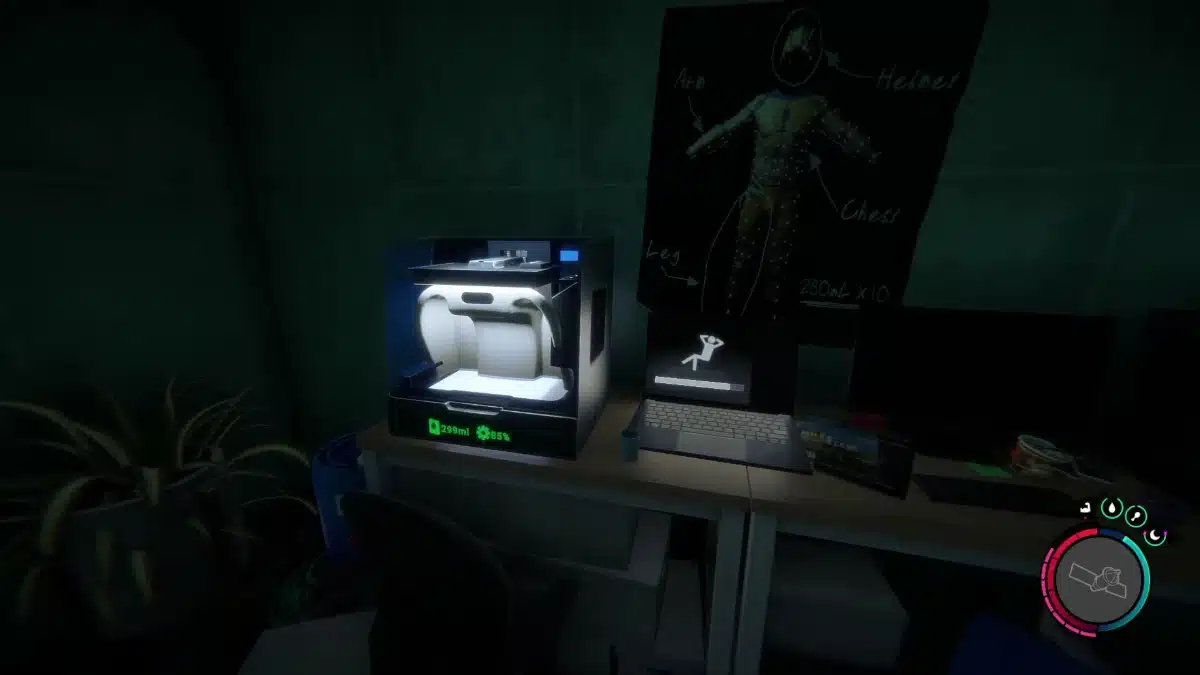
One important change from after full release is that 3D Printers no longer start with resin already loaded. You need to supply the full amount yourself.
Is the Sled Worth 1000ml of Printer Resin?
The Sled is the most expensive standard item available from the 3D Printer, and its 1000ml cost matches the maximum amount of Printer Resin you can carry at once.
That makes it a much bigger early-game commitment than it first appears.
Printer Resin that has already been poured into a 3D Printer cannot be removed again, although unused resin remains stored in that specific machine. If you are saving towards the Sled, avoid partially filling different printers around the island unless you intend to return to them.
I would prioritise items such as the Printed Flask first if I were short on resin. Once basic printer items are covered, the Sled becomes much easier to justify because it is reusable and requires no further resin after being made.
How to Use the Sled
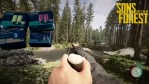
Equip the Sled from your inventory and move towards a downhill slope.
To begin sledding:
- Jump so your character is airborne.
- Press the primary attack button while in the air.
- Your character will place the Sled underneath themselves and begin sliding.
On PC, the default primary attack input is the left mouse button.
You can steer using the normal directional controls. Steeper slopes increase your speed, while flatter terrain gradually slows you until your character dismounts.
The Sled can also be assigned to a keyboard hotkey. I think this is particularly useful if you use it for steep descents, because you can equip it immediately rather than opening the full inventory near the edge of a cliff.
Does the Sled Prevent Fall Damage?
Yes. While you are actively riding the Printed Sled, fall damage and collision damage are prevented.
That means you can descend slopes and drops that would seriously injure or kill you on foot.
Trees and rocks can still interrupt your movement or send the Sled off course, but hitting them while riding does not cause the normal collision damage.
This makes the Sled more useful as a descent tool than its name suggests. I get the most value from it when coming down from the central mountain, where it can turn a long and awkward return journey into a very quick drop to lower ground.
The protection only applies while you are actually riding, so make sure the Sled has activated before committing to a large fall.
Can You Use the Sled Without Snow?
Yes. The Printed Sled works on snow, grass and other terrain as long as there is enough of a downward incline to keep it moving.
It can also travel downstream along rivers. Waterways can actually make useful sled routes because there are often fewer trees and rocks to interrupt the descent.
Flat terrain is its main limitation. Once there is no longer enough slope to maintain momentum, the Sled slows and your character eventually gets off.
The Sled also does not damage enemies or animals if you run into them, so it cannot be used as an improvised weapon despite the speed it can reach.
Printed Sled vs Log Sled
The Printed Sled and Log Sled are completely separate tools.
The Printed Sled carries the player and is stored in your inventory for downhill travel.
The Log Sled carries building materials and exists as a constructed object in the world.
Following Patch 05, the Log Sled has officially returned to Sons of the Forest, bringing back one of the most requested features from the original game. This time, players can craft two variants: a Basic Log Sled and an Advanced Log Sled, each with different material requirements and carrying capacity.
For more traversal equipment, item locations and progression routes, see the Complete Sons of the Forest Walkthrough.